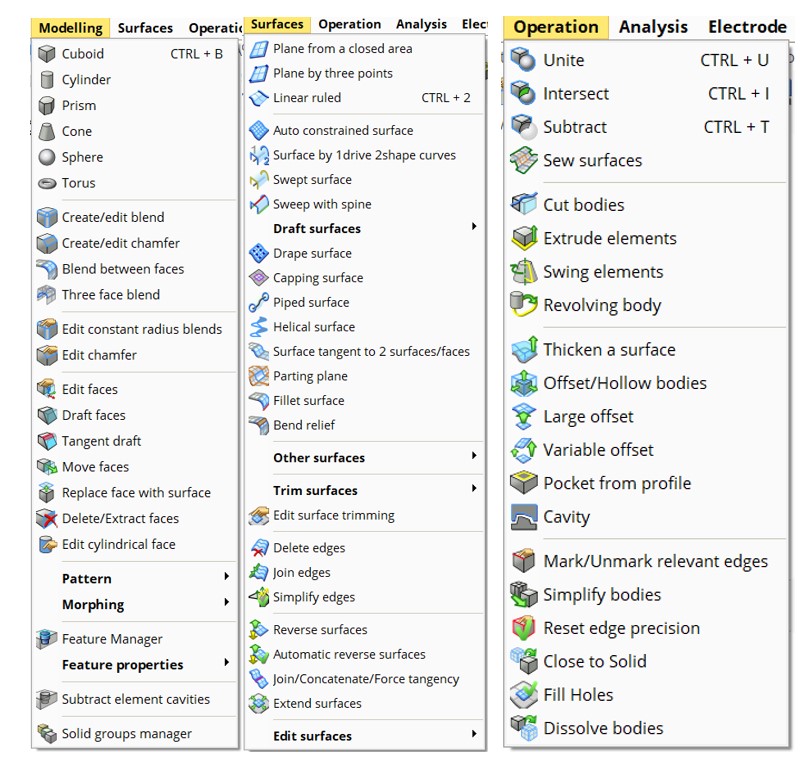
Modeling |
|
|
VISI 2025.4 Improved User Interface
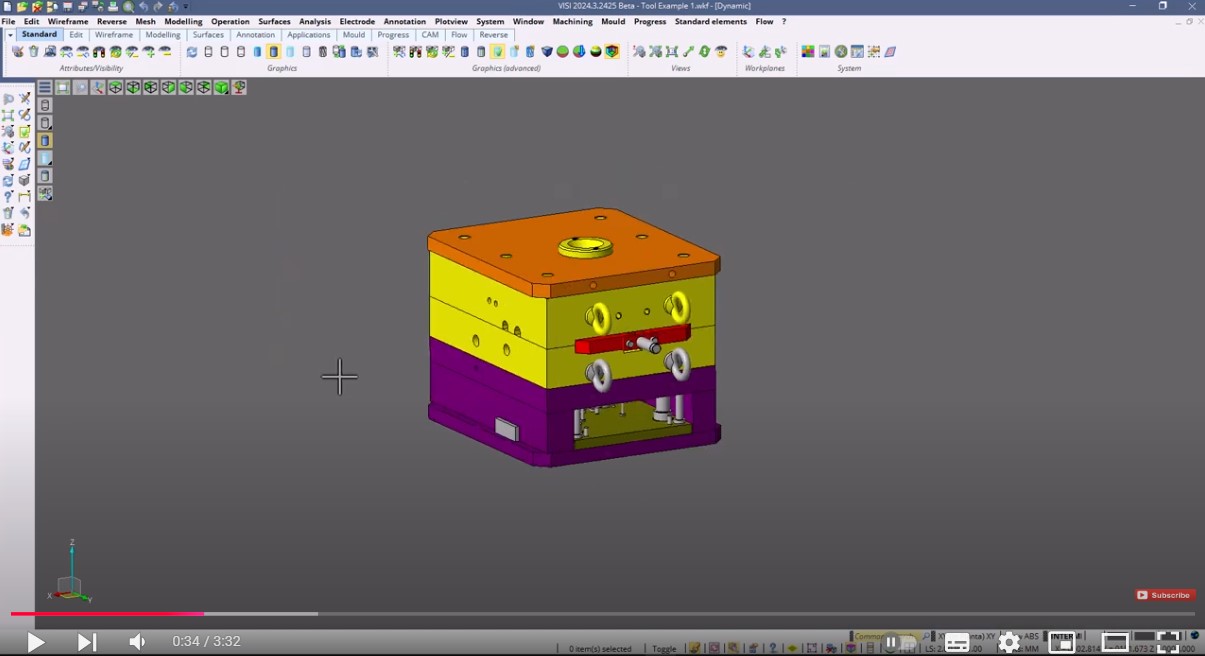
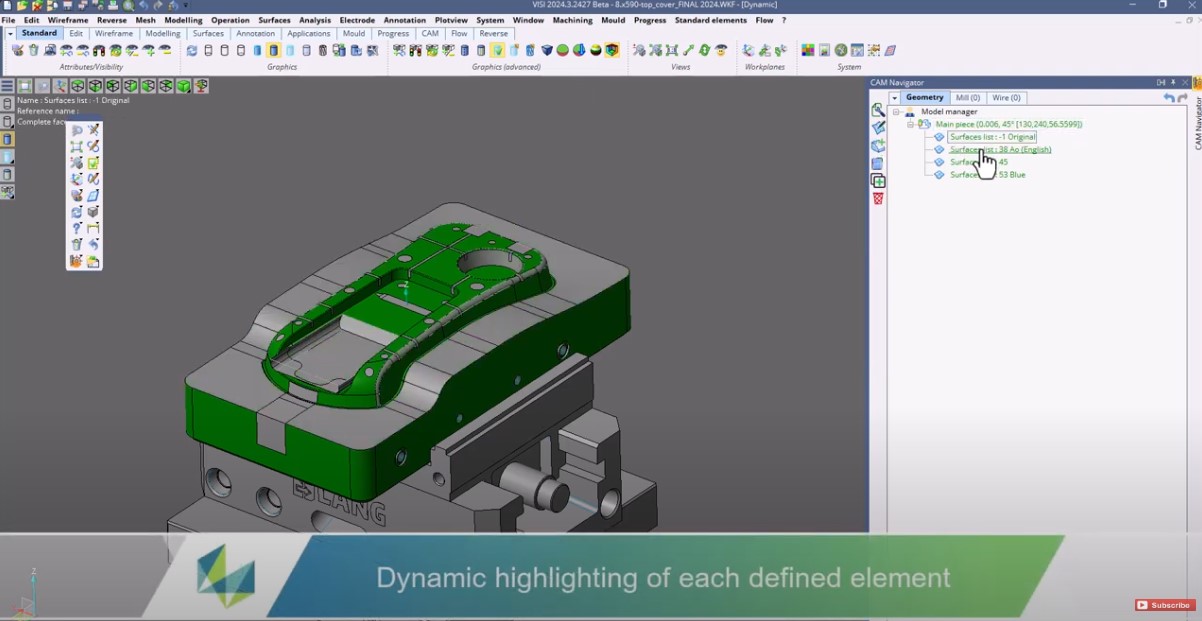
The new upgrades, including the easily accessible multi-selection icon, real-time item counter, dynamic full highlighting options, and improved layer manager, ensure a seamless, efficient, and user-centric navigation experience.
|
|
|
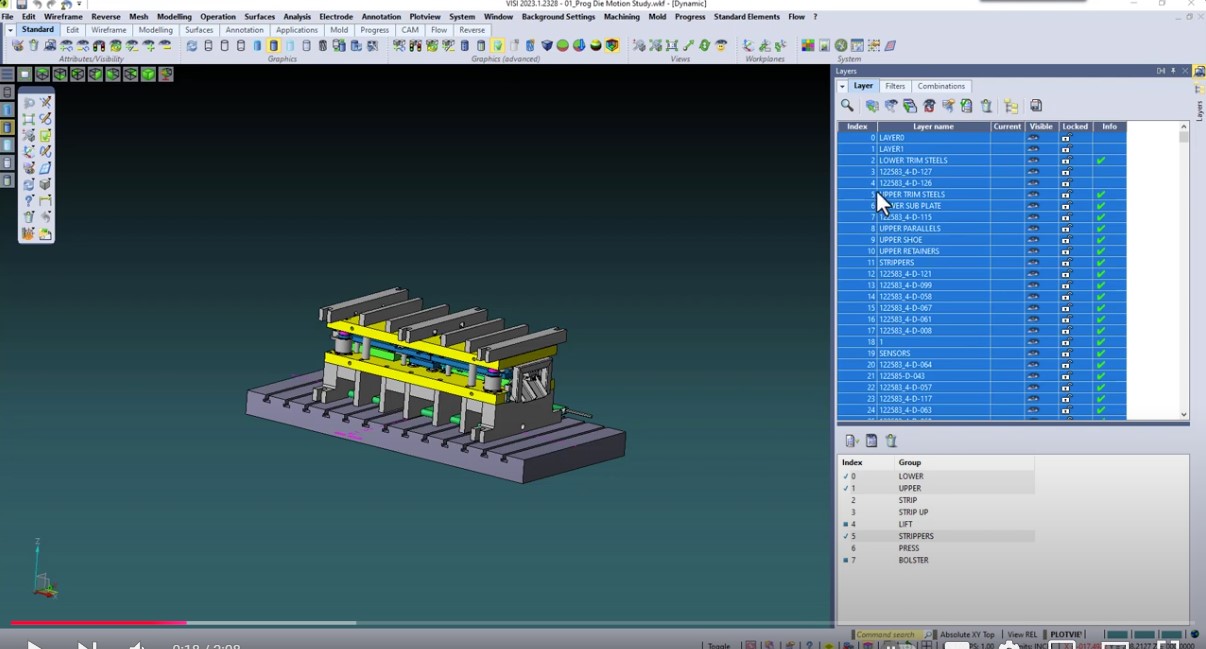
VISI by Hexagon Layer Manager
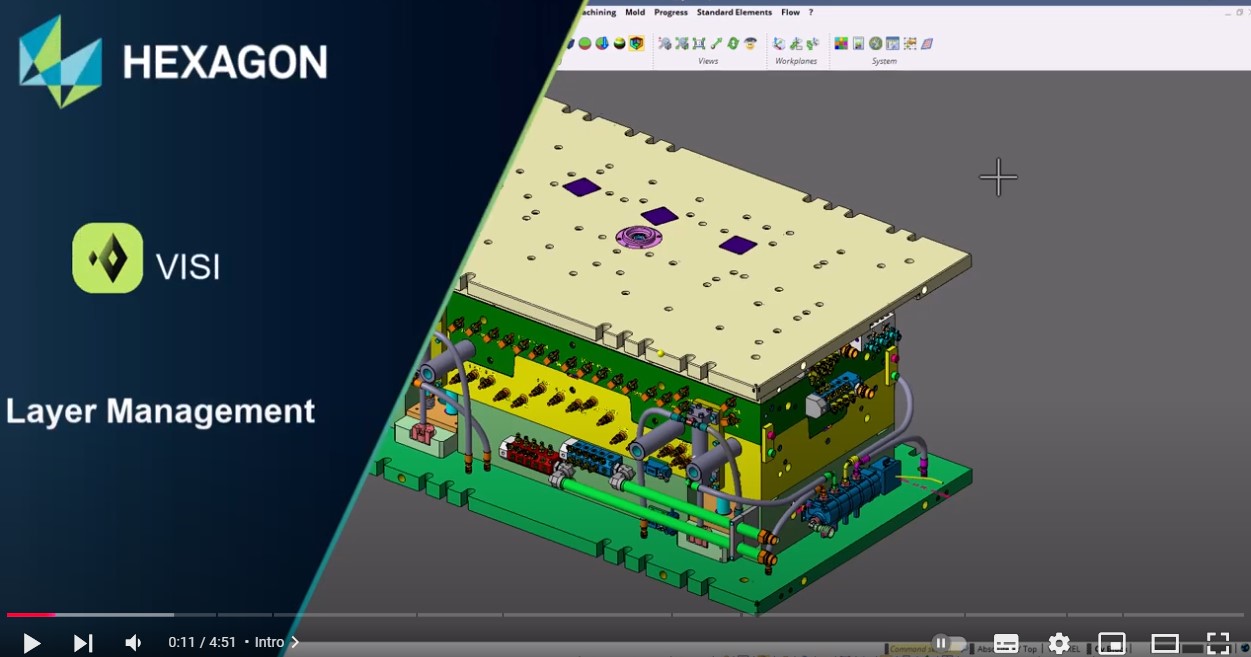
This tool provides a clear visual representation of every element in your drawing, making it easy to arrange, group, and manage complex designs—whether you`re working on intricate molds or detailed dies. Organize your project by area, type, or material, and even customize it with colors for a personalized, efficient view. Plus, with the search and replace tool, you can quickly update large batches of entities to match your naming conventions. Maximize productivity with these time-saving features!
|
|
|
VISI by Hexagon Morphing (TDD)
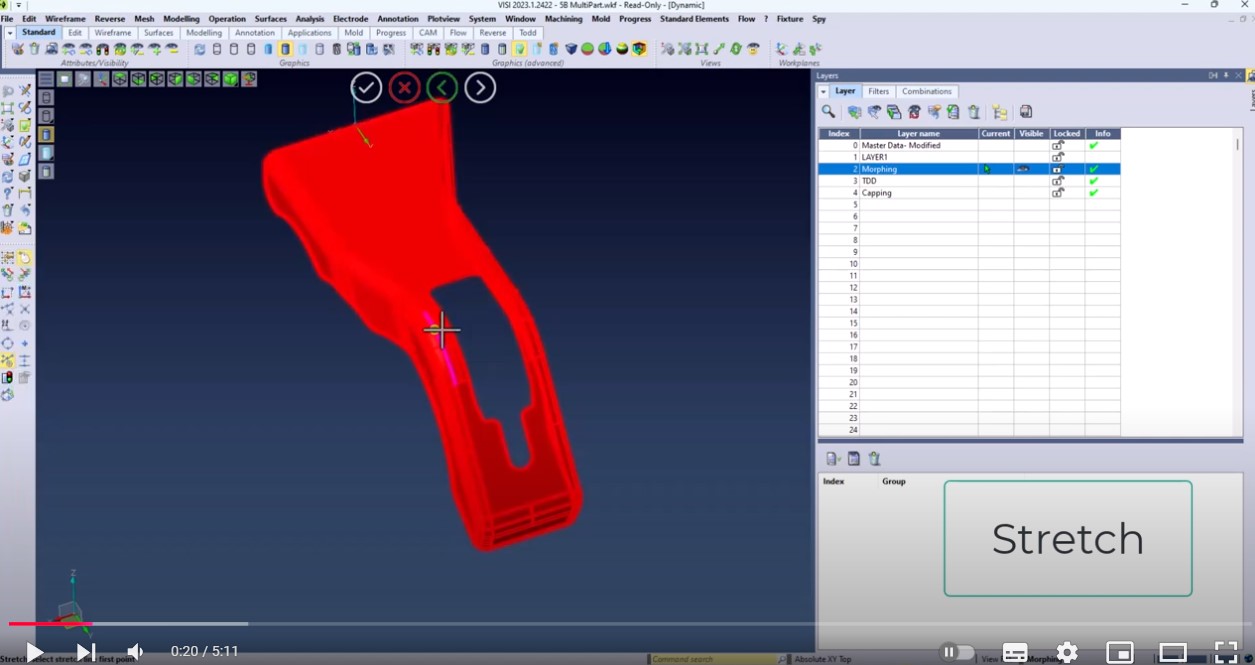
The morphing command in VISI is a sophisticated tool that enables precise and intuitive shape transformations using Target Driven Deformation (TDD) techniques. It allows users to select a base shape and smoothly transition it into one or more target shapes by adjusting various morphing parameters. Key features include weight maps for localized adjustments, constraints to preserve critical geometric features, and keyframes for animating the deformation. This tool is particularly useful in die and mold design, product refinement, and ensuring part fitment, enhancing both the accuracy and quality of the final product.
|
|
|
VISI by Hexagon Creating Assembly Structure
The Assembly Manager and Parts Manager lists in VISI are locations to define and organize the contents of a drawing. When moving data between software, sometimes this organization can become oversimplified. To preserve the structural integrity of these lists, VISI has tools to convert a Layer structure into a Tree structure, with the objective of exporting to other software. Creating an Assembly Manager Tree organizes the geometry data by Layers and Groups. Exporting into a variety of file types is then performed by Assemblies, maintaining the structure to be viewed in another software. When looking at data imported to VISI, especially if it was brought in on a single layer, it is simple to view the original Tree structure in the Assembly Manager of VISI using this same feature.
|
|
|
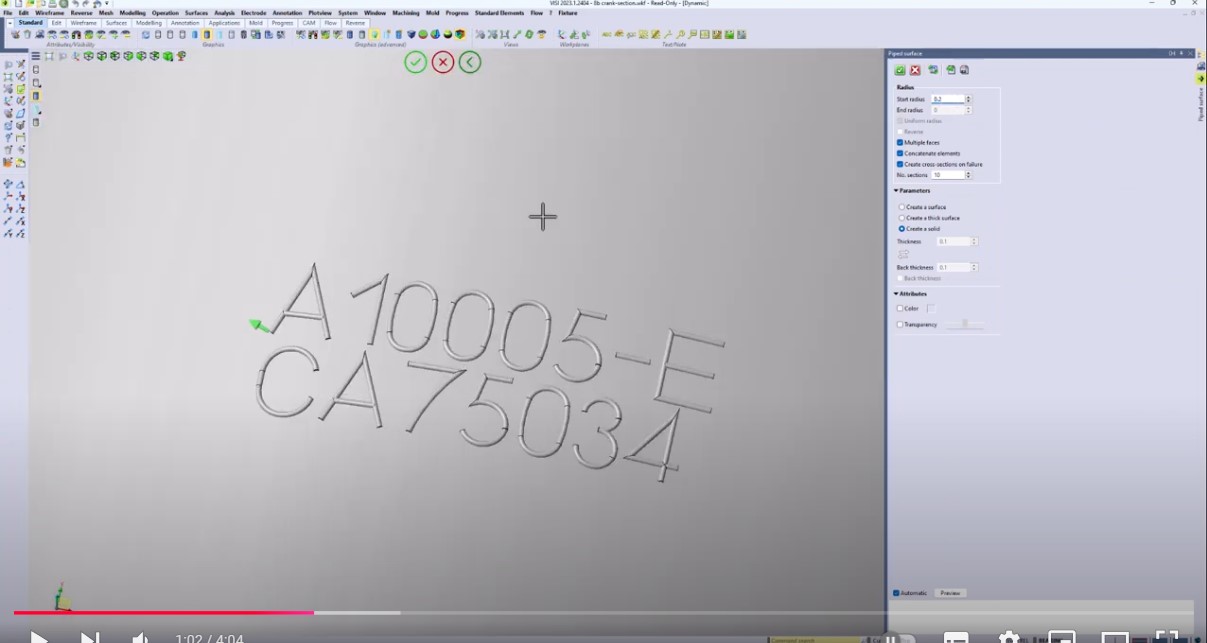
VISI by Hexagon Vector Text and Engraving
Vector text and engraving are essential functionalities in VISI, especially for practices in manufacturing and machining. Vector text refers to text that is defined by mathematical vectors rather than pixels. In VISI, vector text is used to create precise and scalable text elements for various applications, including toolpath generation for machining. Vector text is commonly employed in creating labels, annotations, and other textual elements on 2D and 3D models within the software. VISI provides tools for creating and manipulating vector text so that users can customize font styles, sizes, and other attributes. The ability to convert text into vector paths is crucial for generating machining toolpaths accurately. Engraving involves the process of cutting or carving designs into a material surface and is often used for adding intricate details, serial numbers, logos, or other features to parts. VISI, being a comprehensive CAD/CAM solution, provides specific tools and functionalities for engraving operations. This includes defining engraving toolpaths, selecting tools, adjusting parameters for depth and width of cuts, and visualizing the results in a simulation.
|
|
|
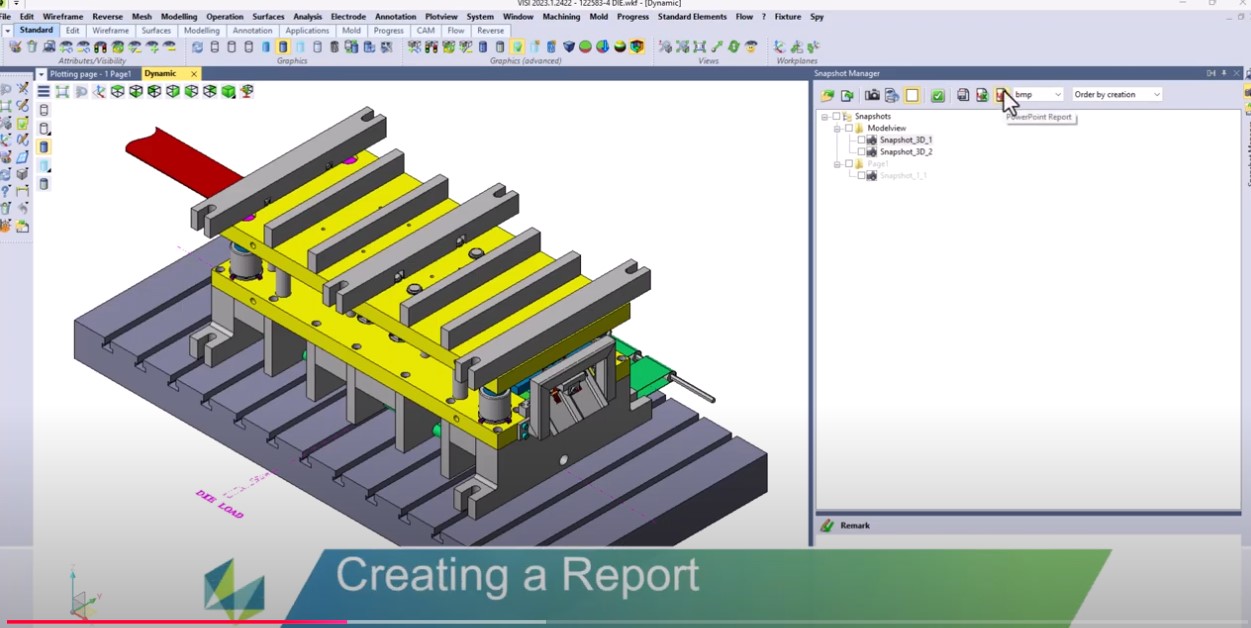
VISI by Hexagon Snapshot Manager
The Snapshot Manager in VISI significantly enhances the creation of reports by facilitating automated report generation, team coordination, and feedback, ensuring reports reflect the most accurate and up-to-date information. Snapshots enable quick comparisons and trend analysis, helping to identify changes and assess project progress for comprehensive reporting. Snapshots allow for detailed milestone monitoring, making it easier to generate thorough and insightful reports into PowerPoint or structured image files. Overall, the Snapshot Manager streamlines the reporting process, ensuring accuracy, reliability, and comprehensive documentation of project development.
|
|
|
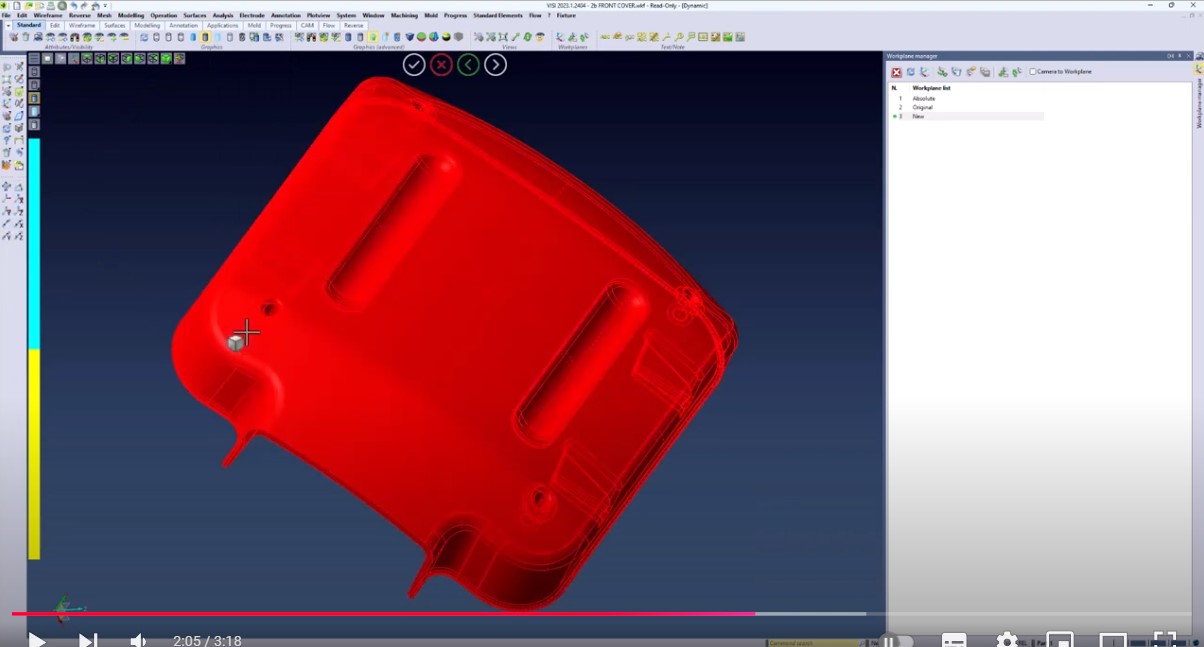
VISI by Hexagon Overlay and Compare
In VISI it has never been easier to overlay and compare parts when receiving a new revision. Creating common workplanes on old and new parts allows you to easily overlay the parts to be able to compare differences if you receive a part in body position and need to place it into Mold or Die position. After the overlay using the compare command eliminates the guess work to see exact differences between old and new parts and allows you to label exact distances and material differences between parts.
|
|
|
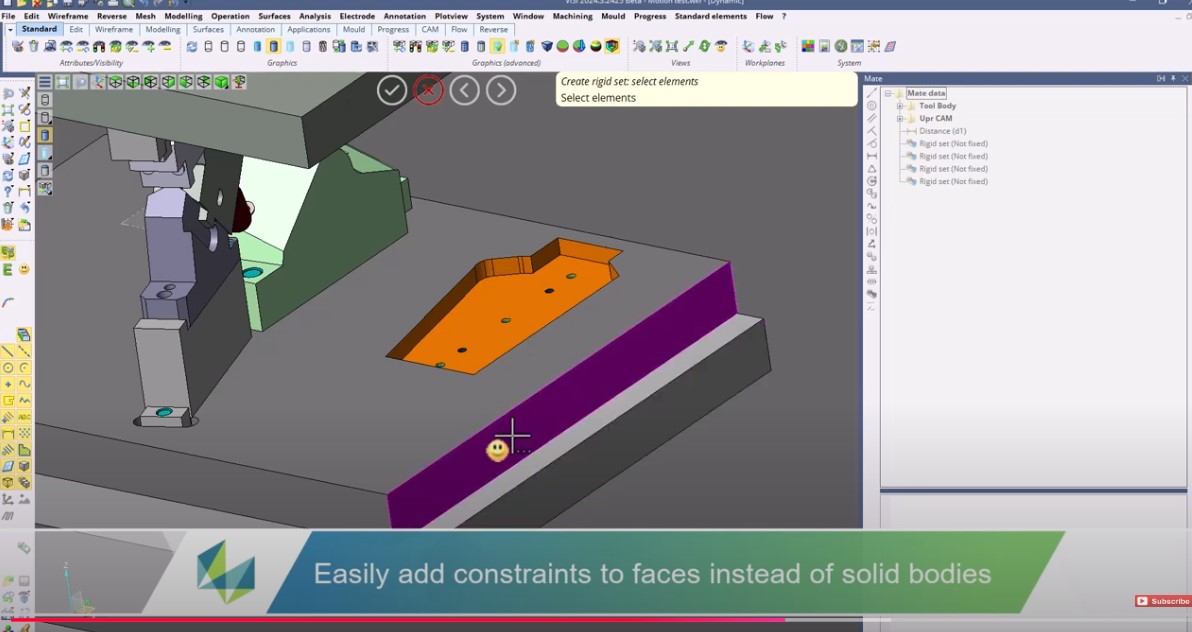
Mate and Motion Study Improvements in VISI 2025.4
Immerse into the world of automated assignments of constraints for geometries, simplifying your design tasks. This video explores how these advancements can save your valuable time, streamline your design processes, and boost overall design productivity
|
Analysis |
|
|
VISI by Hexagon Split Plane
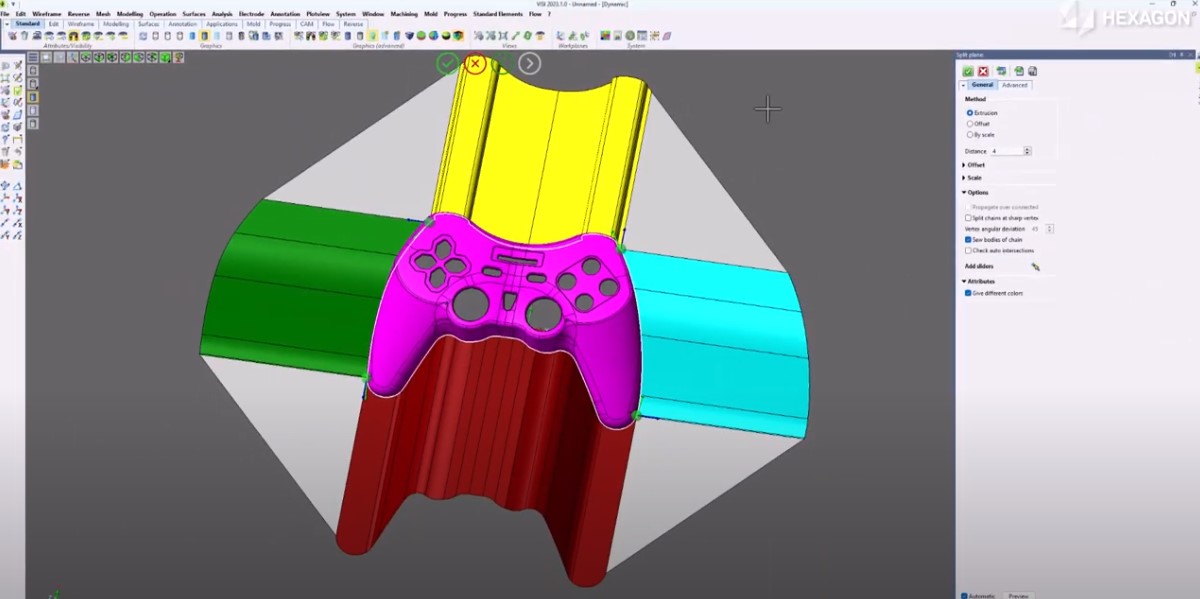
The Split Plane command is the most useful function for creating a shut-off and relief surface. Automatically generate a 4-sided surface area simply by selecting a boundary edge on the part model. The surfaces are calculated using VISI`s powerful analysis and 3D drawing engine. Within the Split Plane command, there are several tools to manipulate the initial computer-generated preview, such as reversing the direction, adjusting individual sliders, and defining surface extensions manually. This is the most efficient method for designing a split plane in the VISI application with a feasible projection of part geometry and intuitive, responsive controls.
|
|
|
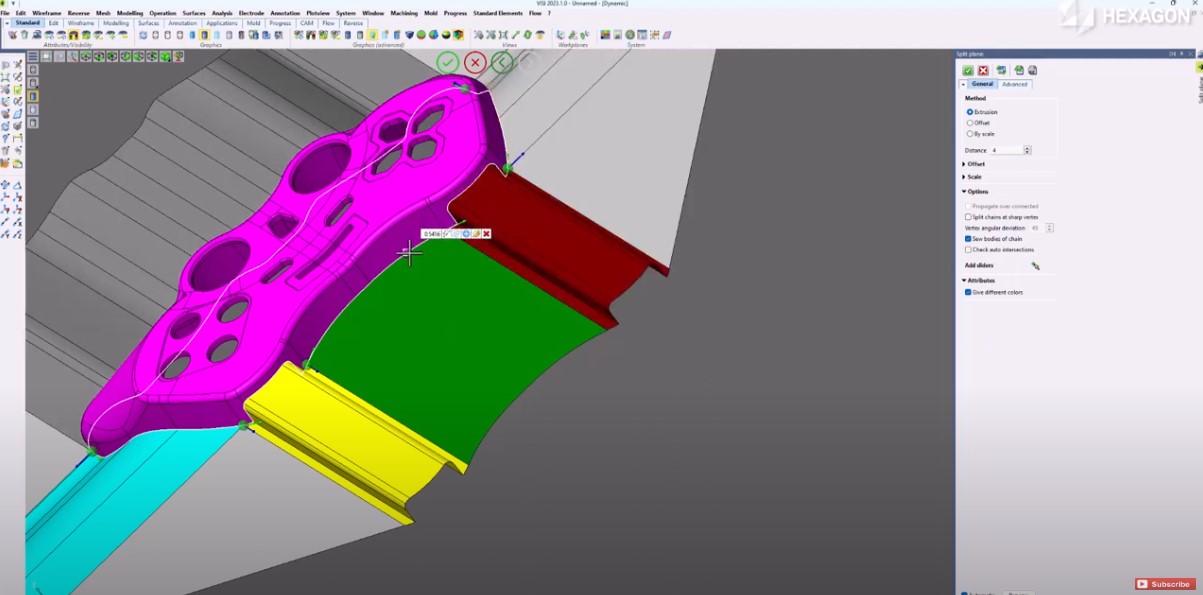
Finessing a Split Plane in VISI
The Split Plane command is the most useful function for creating a shut-off and relief surface. In this tech tip we will show you how to automatically generate a 4-sided surface area simply by selecting a boundary edge on the part model. This is the most efficient method for designing a split plane in the VISI application with a feasible projection of part geometry and intuitive, responsive controls.
|
Revers |
|
|
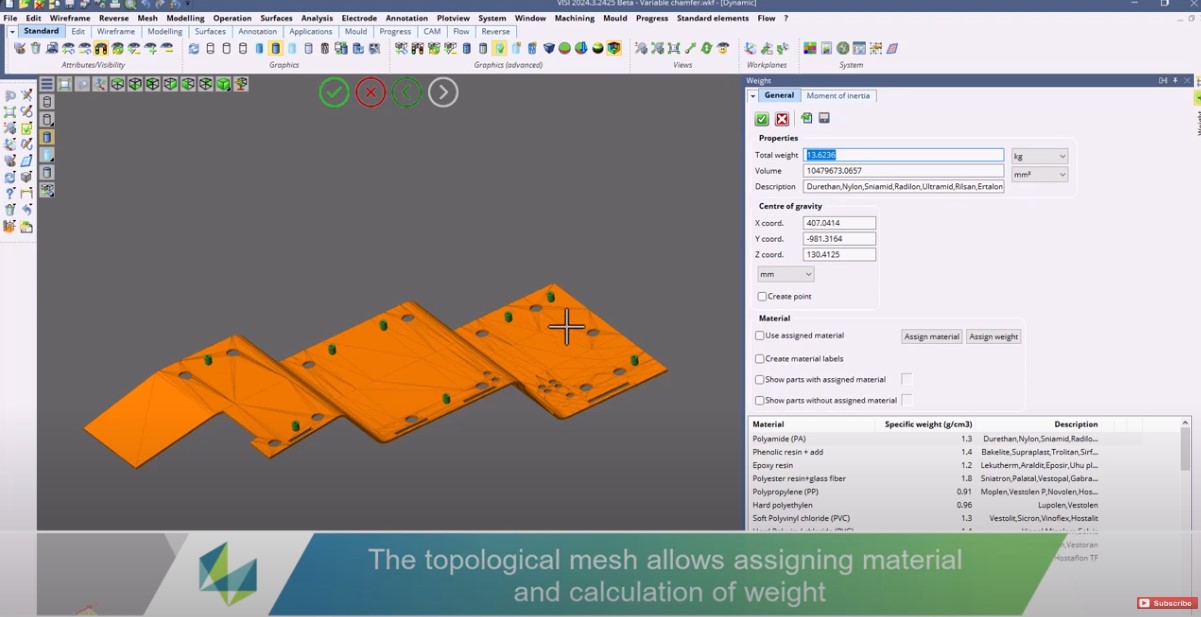
Topological Mesh Management in VISI
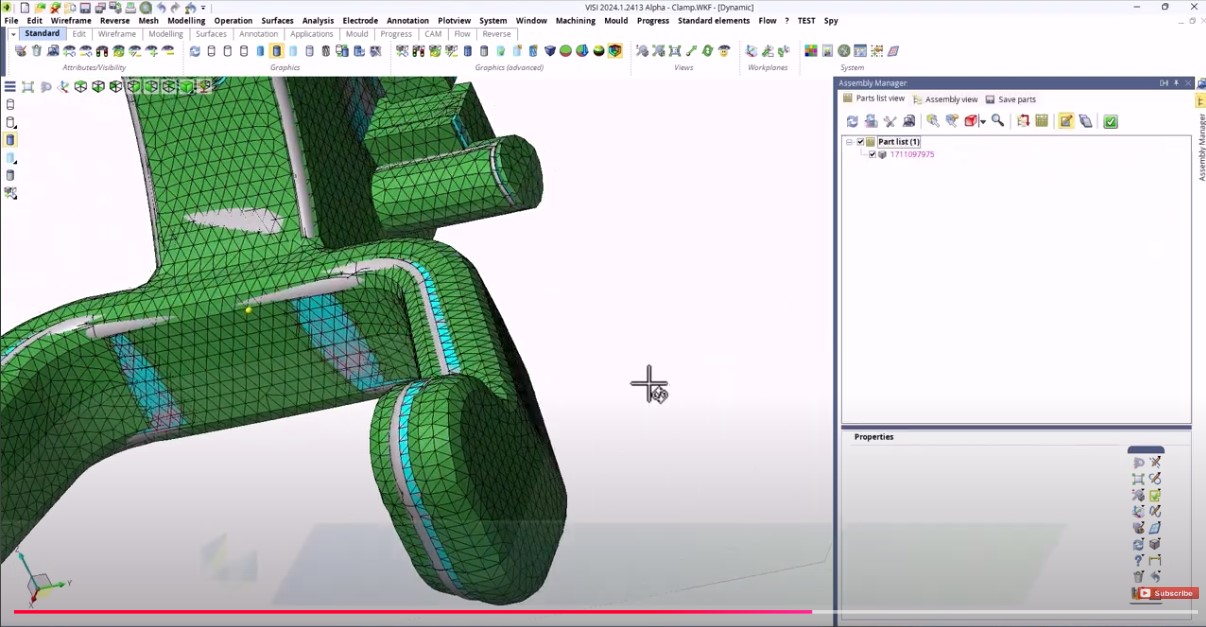
VISI introduces Topological Mesh Management, a groundbreaking feature that completely redefines the way you work with meshes. Handle Parasolid PK Mesh with unprecedented ease, treating meshes as solid or sheet bodies and opening up entirely new workflows. This video showcases how this unique management system enhances versatility in design, offering a perfect blend of fluidity, simplicity, and precision.
|
|
|
One-click Surface Solution Enhancement in VISI
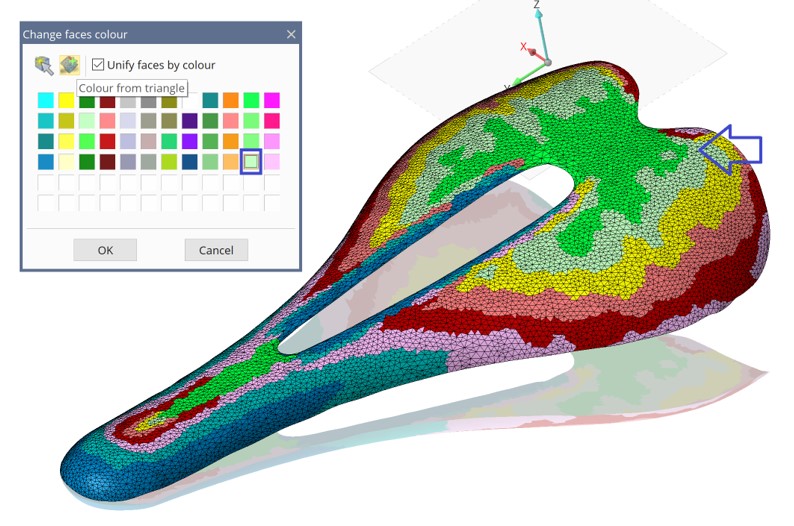
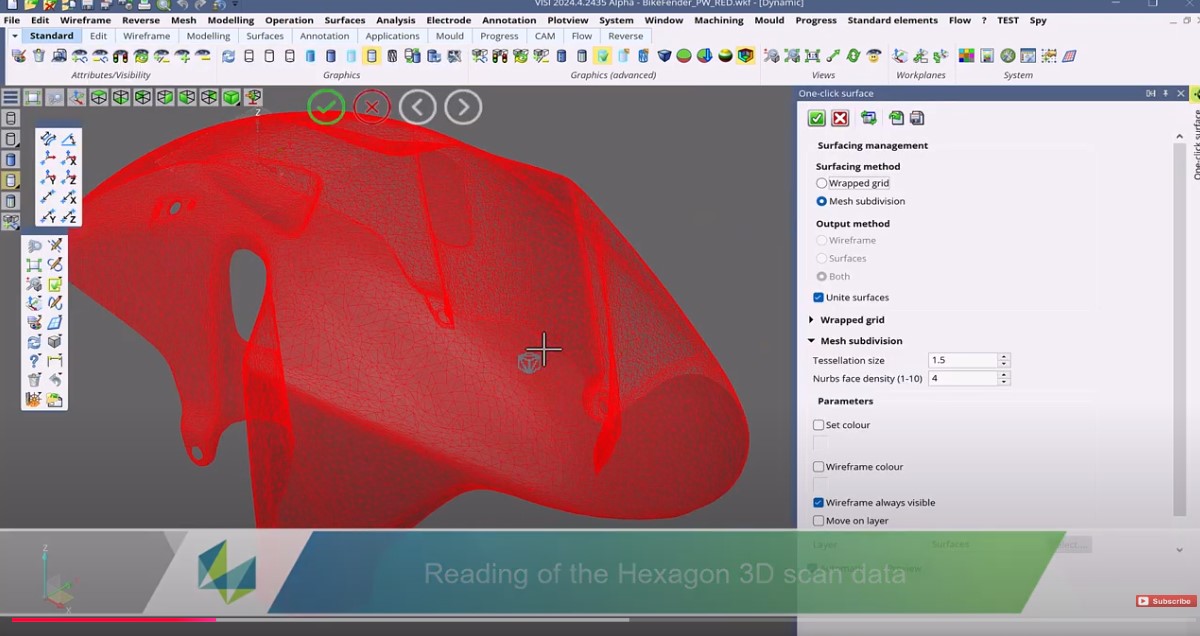
Aimed at transforming the quality of results from scanned parts, this tool lets you create high-quality surface finishes effortlessly. Dive into this video to explore how this innovation reinvents surfacing techniques. We will walk you through how you can leverage APEX to automate surfacing in just one click, ensuring excellent surface quality.
|
Mould |
|
|
Mould Warpage Compensation in VISI
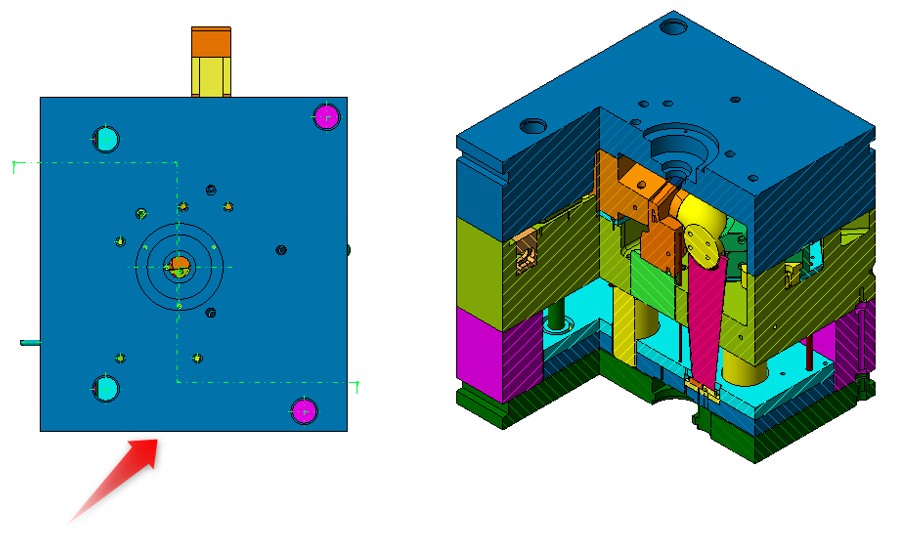
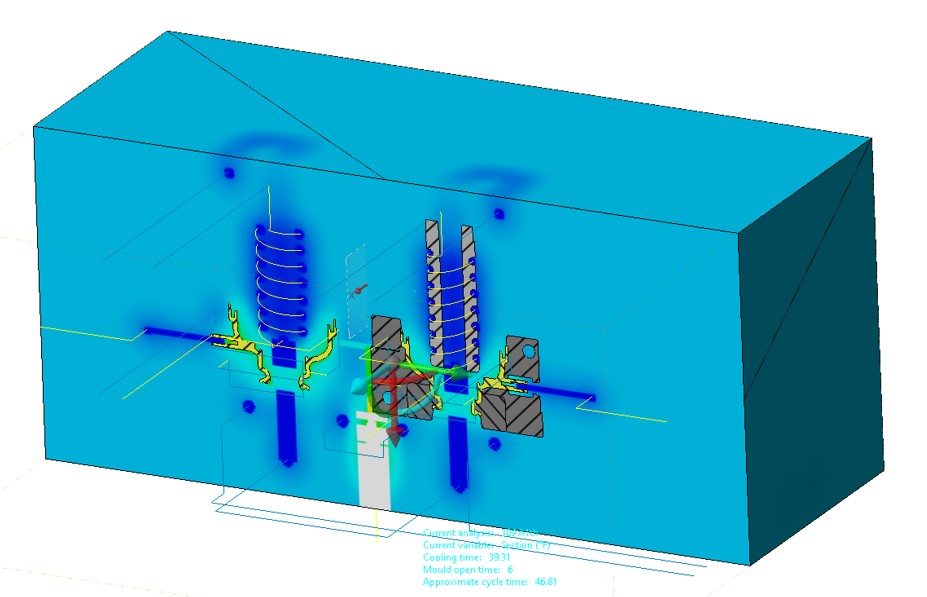
Explore how this feature enables the automatic generation of the compensated solid model and associated mesh, contributing to increased precision in creating moulds. Dive in as we demonstrate the application of this automatic compensation, effectively improving your moulding performance.
|
|
|
VISI by Hexagon EJ Pin Labeling
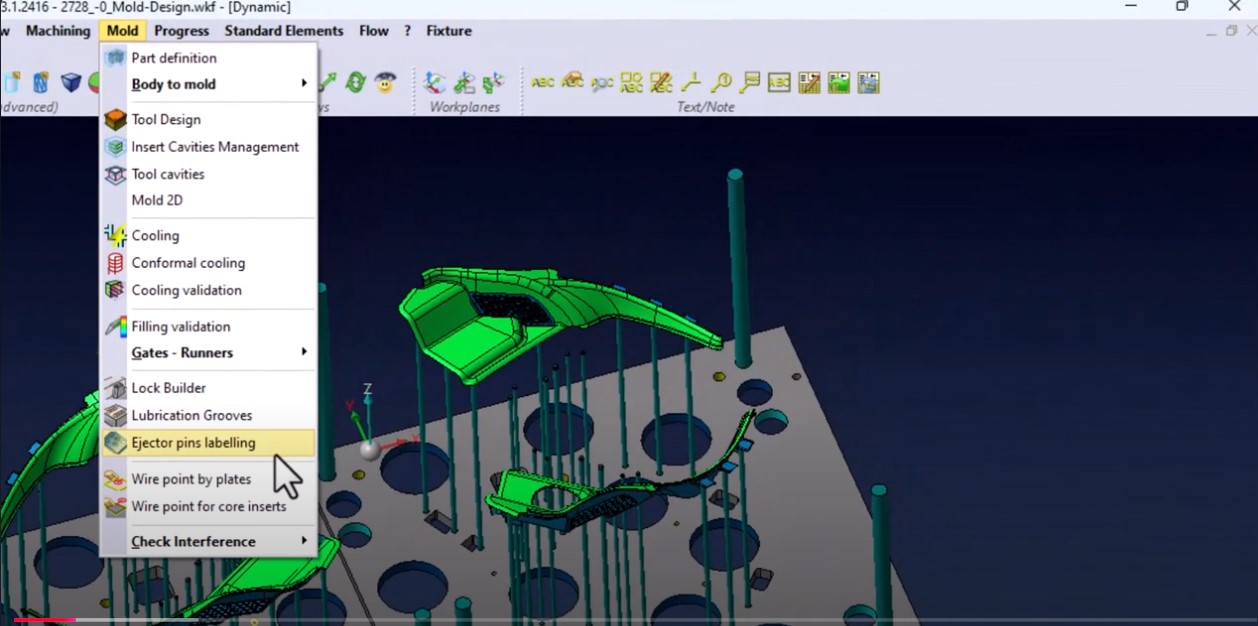
Ejector pin labeling in VISI enhances mold design and manufacturing by improving organization, clarity, and communication. It aids team collaboration and customer interactions, reduces errors, and streamlines the design process. Labeling simplifies maintenance and modifications, ensures manufacturing precision, and integrates well with CAM and CNC processes. It also supports quality control through easier inspection, validation, and traceability, ultimately leading to higher efficiency, accuracy, and quality in mold production.
|
PROGRESS |
|
|
Progress Improvements in VISI
Learn in-depth exploration of how Progress improvements streamline your workflow, allowing for faster, more accurate project completion without the need for frequent tryouts. watch the video as we demonstrate how these progress advancements can revolutionize your working model, leading to superior project outcomes.
|
|
|
Multi-Stage Simulation in VISI
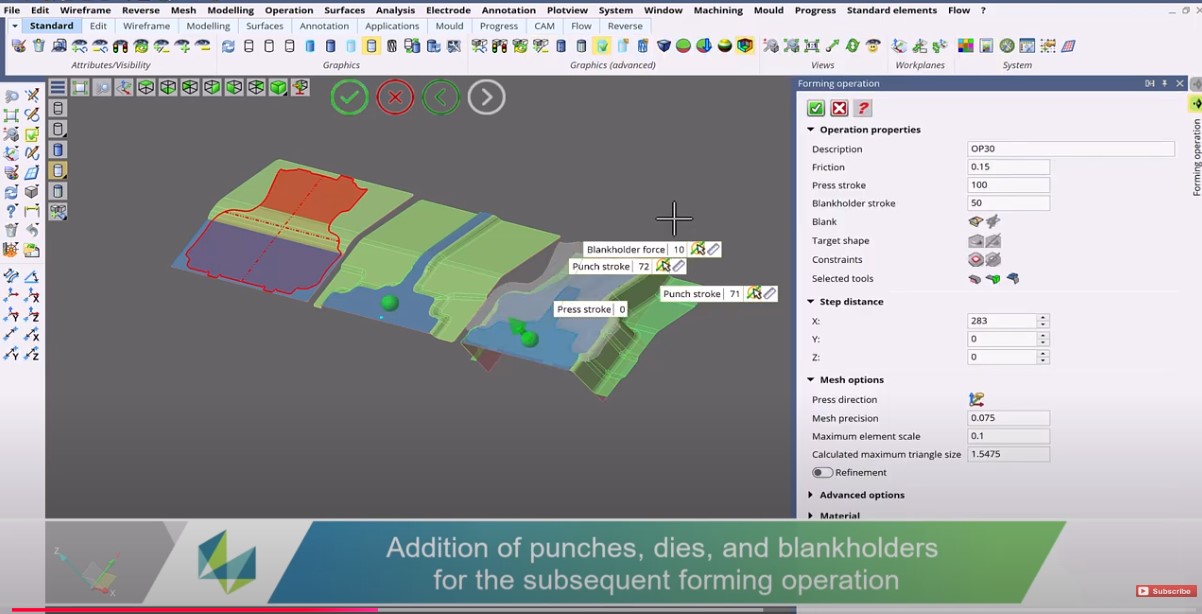
Delves into how Multi-Stage Simulation feature accurately simulates material behavior across various stages of a progressive die. watch the video as we demonstrate how multi-stage simulation effectively minimizes design errors, reduces tryouts, and accelerates project completion
|
|
|
VISI by Hexagon Progress Strip Study
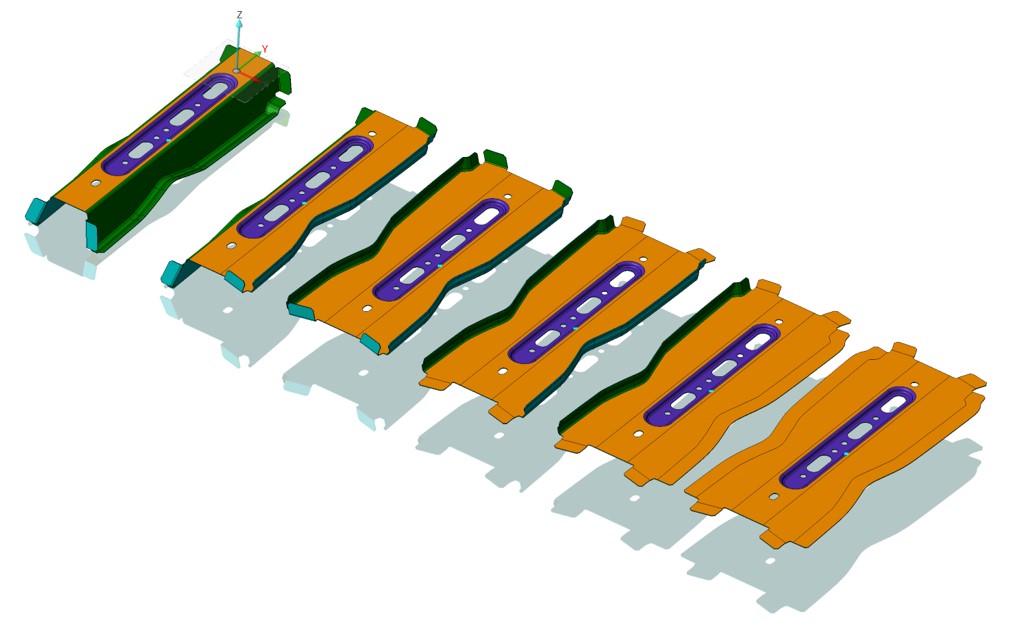
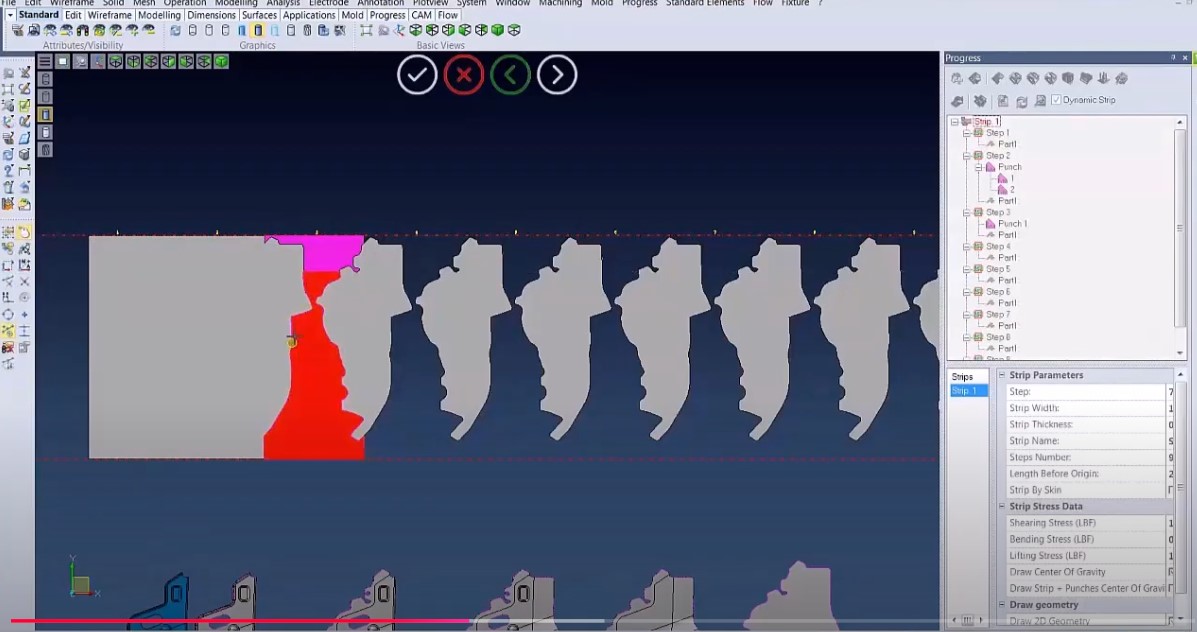
The strip study feature helps in creating and optimizing strip layouts for progressive die stamping. Designers can arrange punches, dies, and other components in the most efficient way to maximize material usage and minimize scrap. Drag and drop punches to alternate stages and the strip will automatically update. User defined die templates allow the strip and punches to be established into the tool in one seamless operation. Material analysis during the stamping process helps designers understand how the metal will behave as it undergoes deformation and assists in optimizing the strip layout for consistent and quality stampings. VISI allows users to simulate the strip layout in action. This visualization helps designers and engineers to better understand the entire stamping process, identify potential problems, and make informed decisions to improve the design.
|
Machining |
|
|
Manufacturing Improvements in VISI
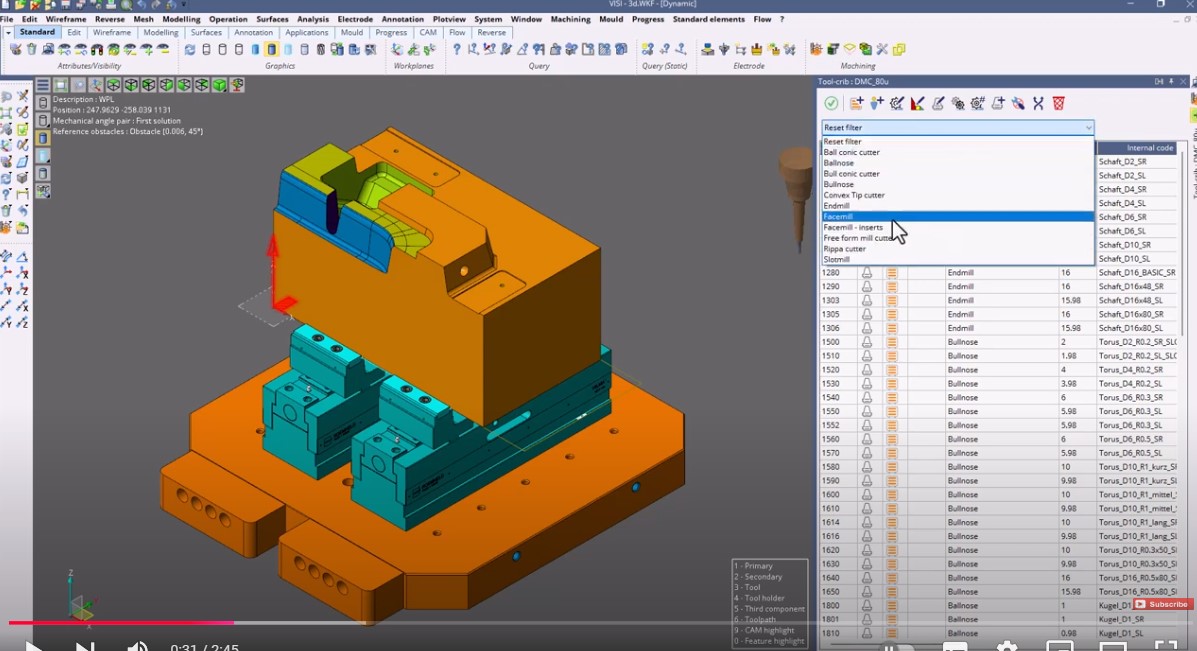
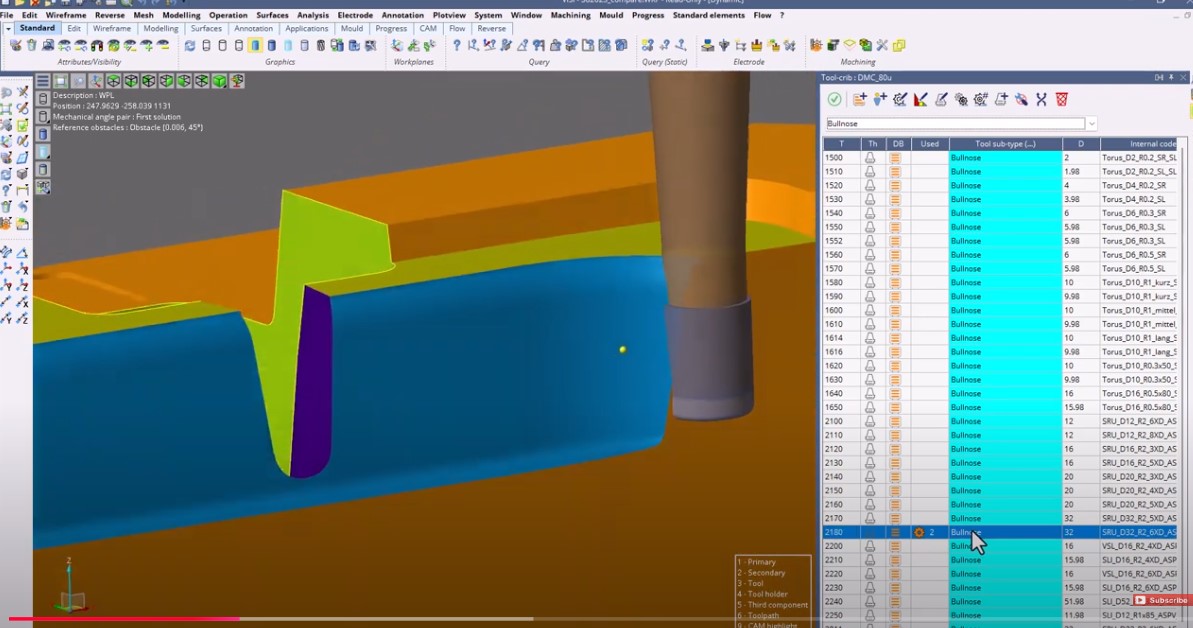
This video helps you explore how VISI is transforming manufacturing, making it more efficient, intuitive, and reliable. Dive into VISI`s world as we demonstrate how these significant advancements can revolutionize your manufacturing processes, whether it's streamlining operations or ramping up productivity.
|
5 Axis |
|
|
5 Axis Toolpath in VISI
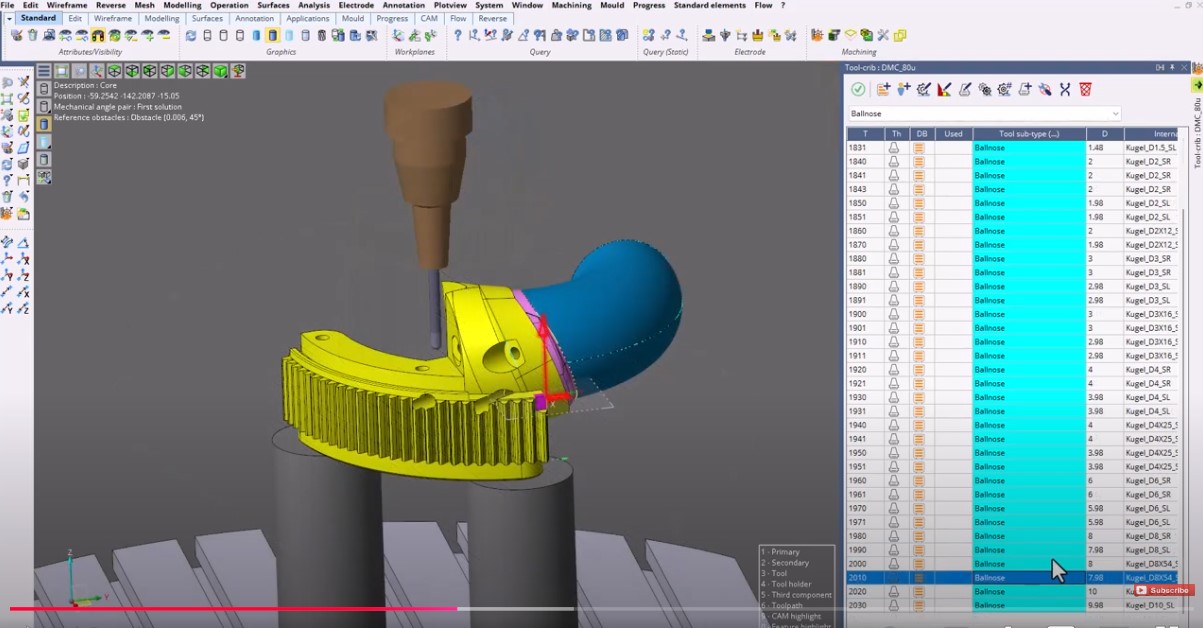
This video reveals how the integration of a seamless 5-axis user experience advances your manufacturing environment. Get firsthand insight into how this pioneering feature offers immediate feedback on manufacturing-prepared geometry, minimizes clicks and buttons for streamlined navigation, and establishes a uniform look and feel throughout the entire solution.
|
|
|
3-5 Axis Toolpath in VISI
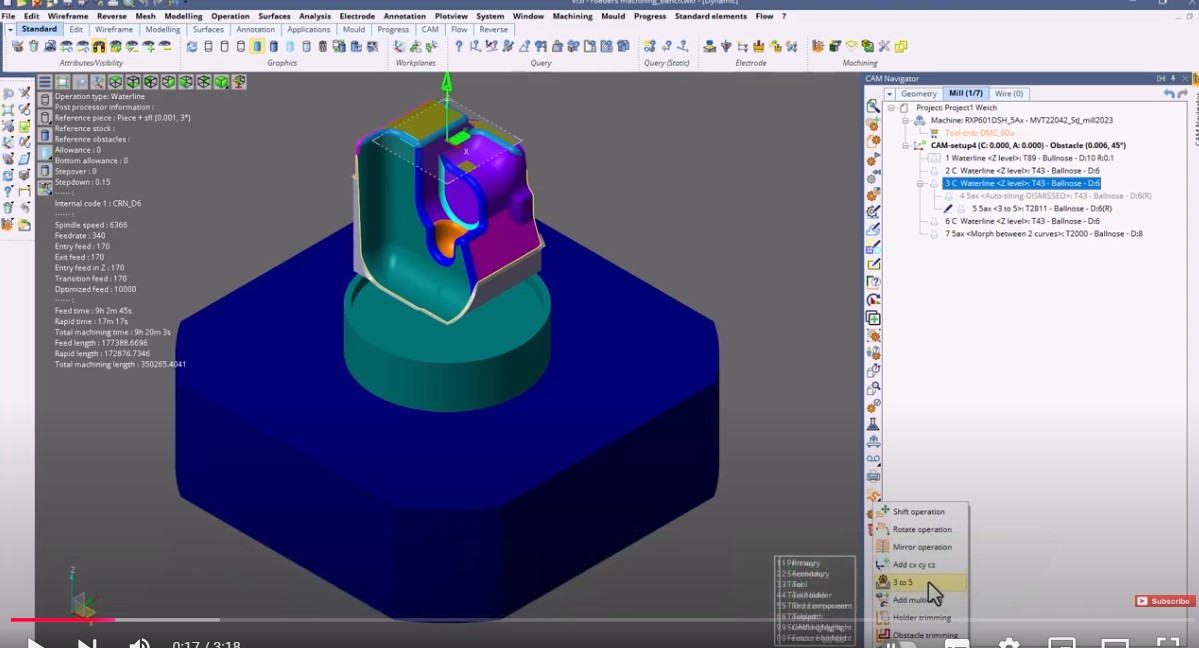
This video highlights the multiple strategy types and superior tool axis control the feature offers, supporting fast, reliable toolpaths. Experience firsthand how the 3 to 5 Axis feature revolutionizes your operational efficiency, paving the way for high-quality outcomes and maximized productivity.
|
3 Axis |
|
|
3 Axis Toolpath - Roughing in VISI
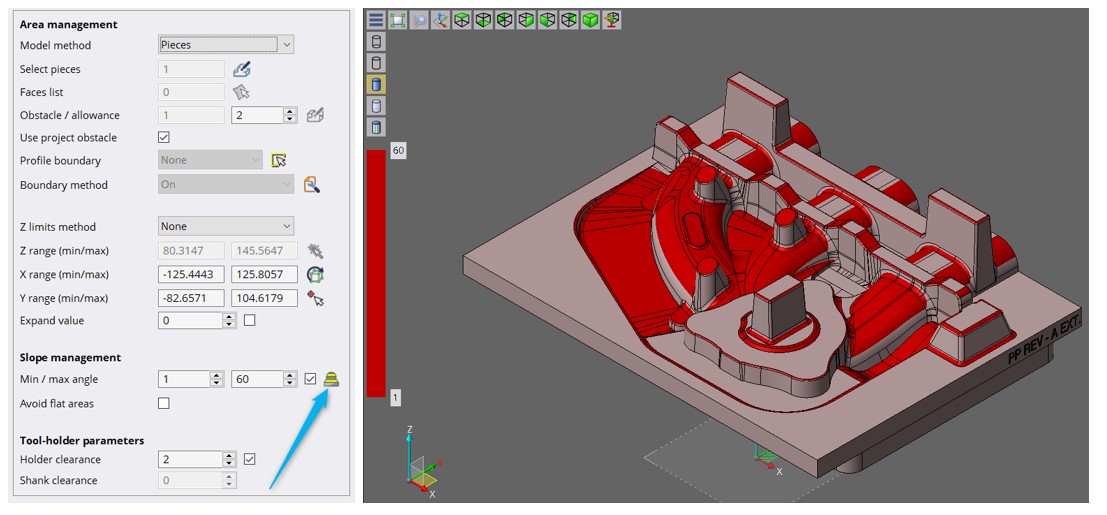
This video provides an in-depth look at how this 3-axis toolpath update enables a unified user experience for roughing, waveform, and global-roughing - all under one strategy. Learn how this feature considerably enhances control for more reliable tool-paths and accurate results
|
|
|
3 Axis Toolpath - Waterline in VISI
Explore how this improvement on 3-xais toolpath brings unparalleled control over your toolpath, fostering efficient and accurate waterline operations. Discover how this feature can transform your manufacturing process, delivering outcomes of the highest quality
|
|
|
Add Operations from' Feature in VISI
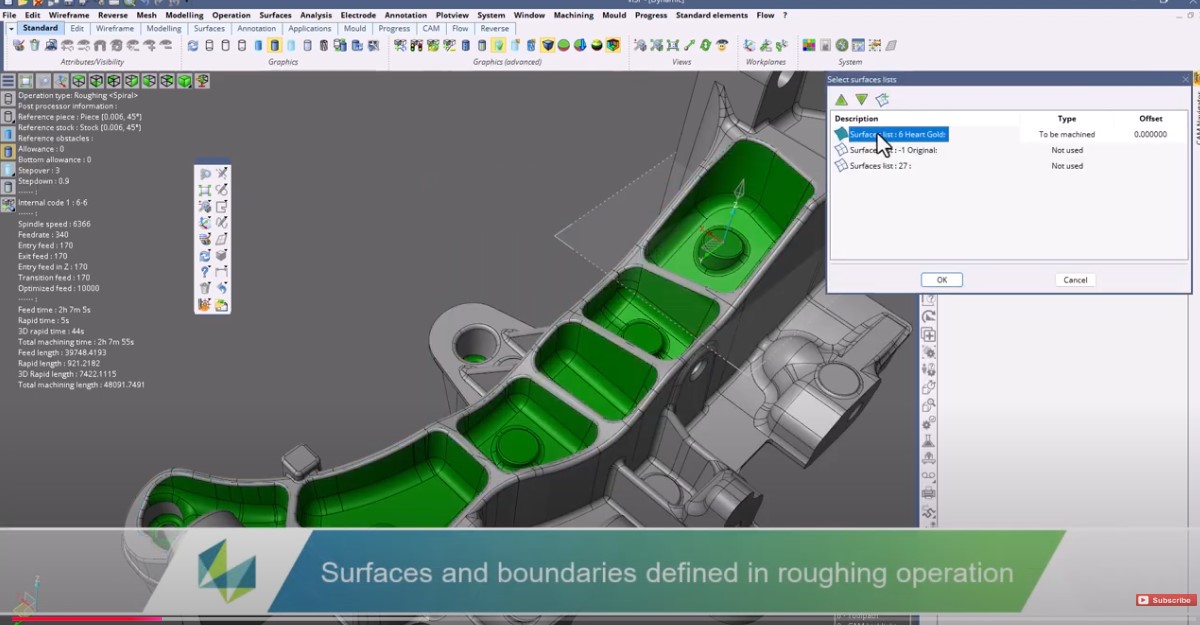
Highlights how surface and boundaries are effortlessly defined in roughing operations and how all geometries are seamlessly passed to new operations. Learn to save time and effortlessly create a new operation using parameters from an older toolpath.
|
|
|
Nested Features in VISI
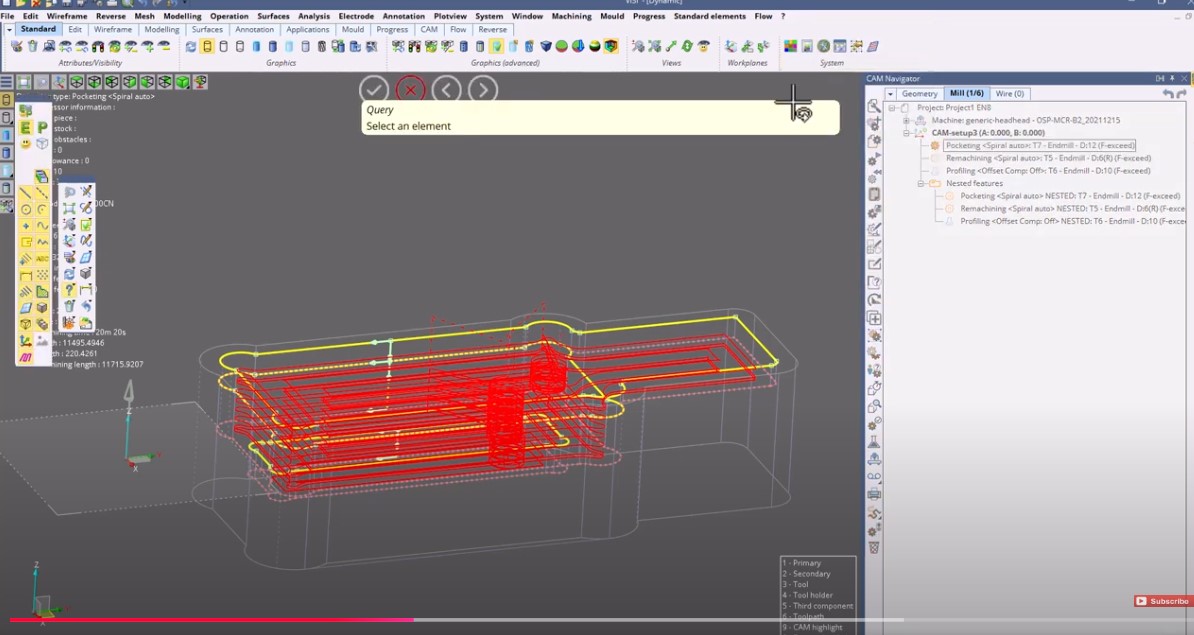
Learn how this time-saving Nesting feature automates the ordering of machining nested group of features, resulting in reduced lift-offs and rapid designs. This video demonstrates the power and efficiency of Nested Features, illustrating how it revolutionizes your toolpath creation.
|
|
|
Stock Analysis in VISI
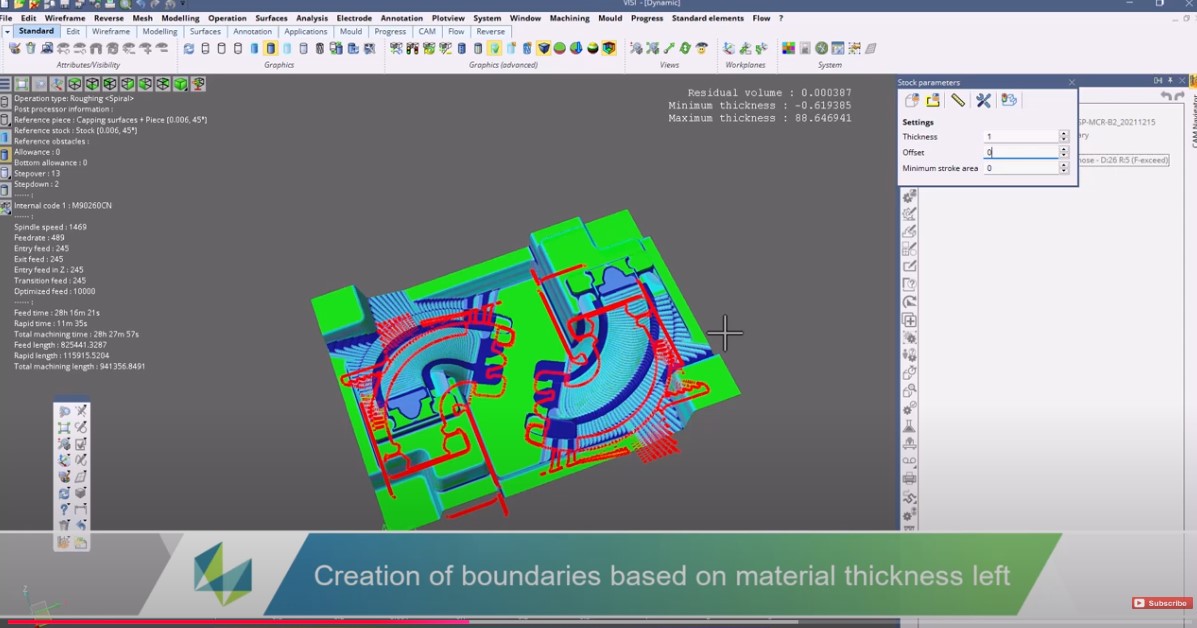
Discover how this Stock analysis feature enhances your machining cycle by pinpointing the areas with residual material post a single toolpath. This video guides you through the application and advantages of Stock Analysis, demonstrating how it reduces guess estimates, and optimizes your machining cycle, ultimately driving productivity
|
|
|
3 Axis Toolpath - Raster in VISI
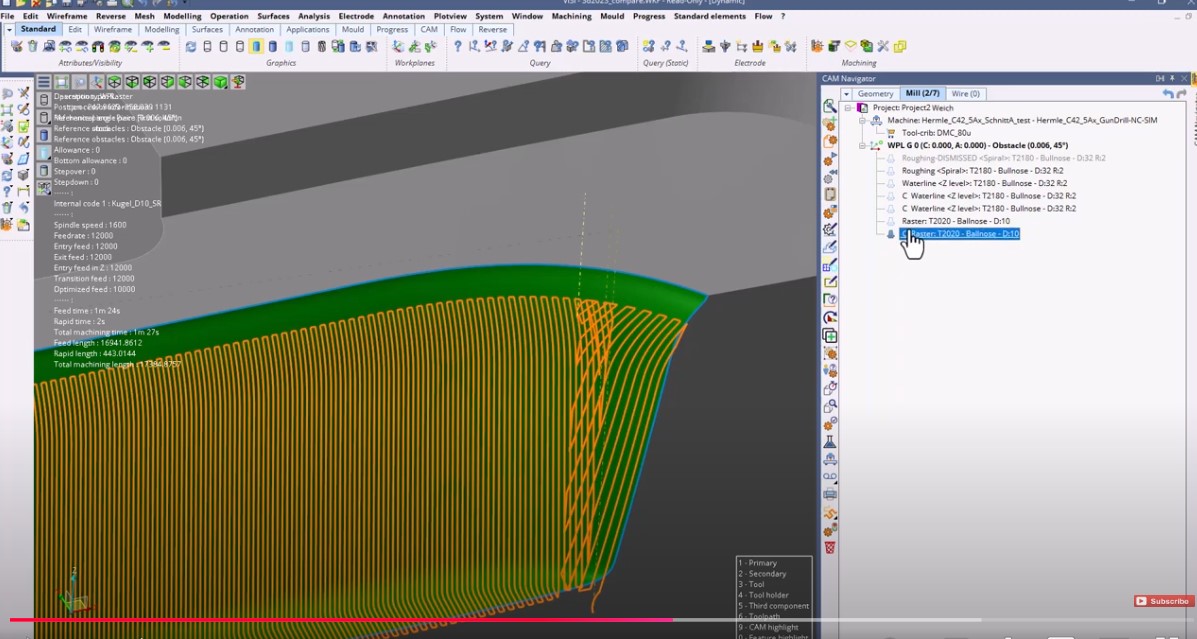
Delve into how this improvement on 3-xais toolpath provides impeccable control over your toolpath, resulting in precise raster operations. Observe the transformation this feature brings to your manufacturing process, providing outstanding, high-quality outcomes.
|
|
|
3 Axis Toolpath - Restmaterial in VISI
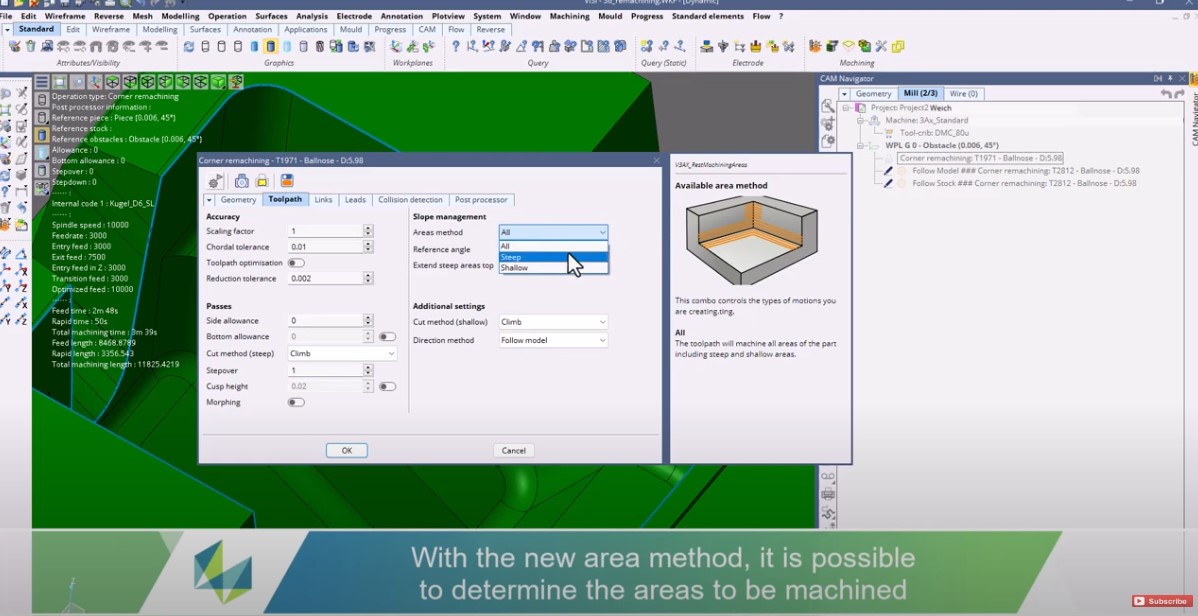
Witness how this feature elevates your command over the toolpath, facilitating accurate and effective restmaterial operations. Experience firsthand the transformative impact of this feature on your manufacturing process, resulting in improved quality and increased productivity.
|
Electrode |
|
|
Electrode Initial Refactoring in VISI
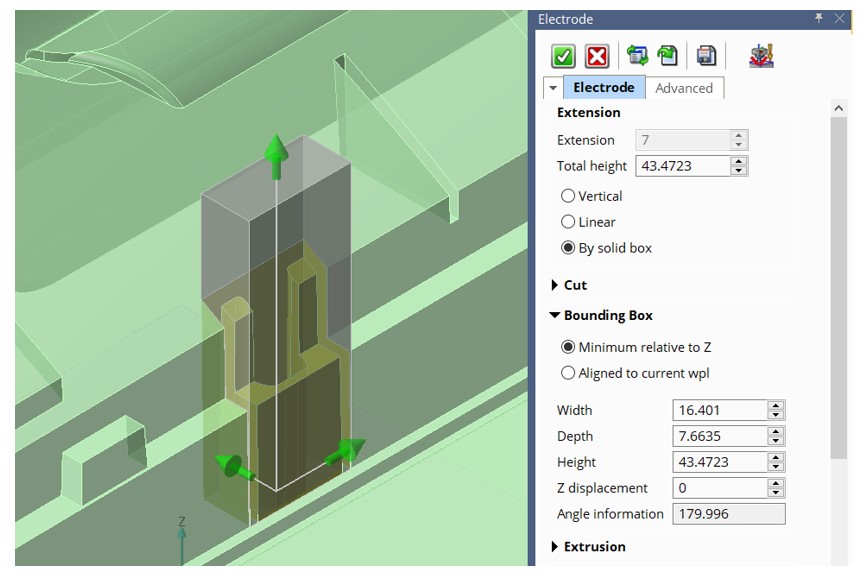
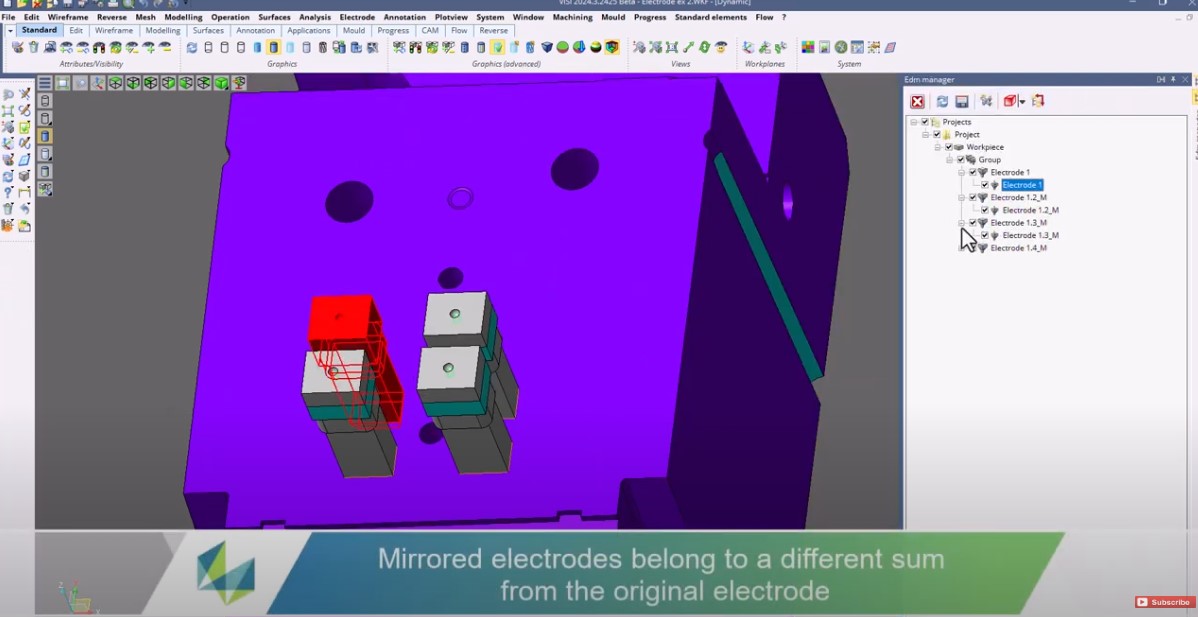
This video explores how this feature allows direct work with solid groups and enhanced management of mirrored electrodes, leading to a whole new level of efficiency in electrode operations.
|